
Weekly Notes: July 6 – July 12
Weeknotes - the AI tooling, product work, and workflow experiments that actually stuck this week.
Agent browser access

Coding agents like Claude Code and Codex are surprisingly bad at reaching the live web - especially social media and anything that renders its content with JS. A lot of sites have walled themselves off from scraping, and every workaround I tried fell short. Claude for Chrome means constantly switching windows. Playwright never gave me good results. Chrome DevTools MCP didn’t help either, and I don’t love loading a pile of MCP tools on every prompt.
Then I found Firecrawl. Perfect results so far. The free tier is generous too - I burned through about a tenth of it in a day, which tells you how much I’ve been leaning on it.
Tracking AI-tool usage across providers
I spent some time digging into whether CodePass could show usage across ChatGPT Codex, Claude Code, and direct model APIs. The short answer: partly - every provider exposes a different slice of the picture.
API responses hand you token usage you can normalize into model, input/output tokens, cached tokens, cost, duration, and errors. Anthropic goes further with organization-level usage and cost APIs, and Claude Code can export session, cost, and tool activity over OpenTelemetry. Personal Codex subscriptions are the hard part: there’s a usage dashboard, but no documented public API for a personal account’s remaining allowance.
So the practical approach is a blend - provider APIs, response metadata, Claude Code telemetry, and local CLI session logs, all normalized into one schema.
CodePass 1.4.0
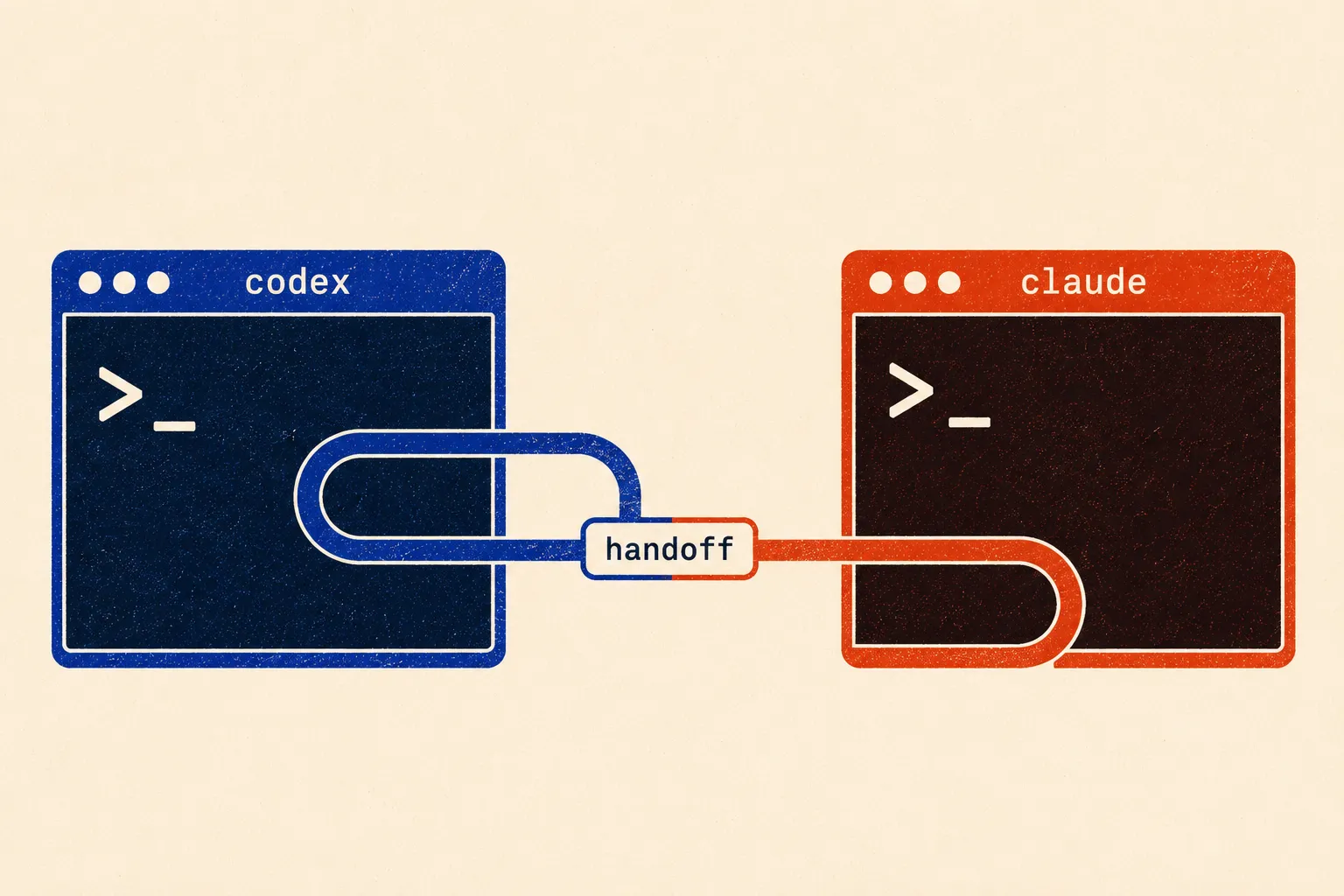
This release improves how CodePass creates and maintains handoff files, and folds in the model-routing setup from that research. The goal is better continuity between tools without turning routing into its own product you have to configure and babysit.
I also had GPT-5.6 Sol Max review the project and clean up inconsistencies across the recent commits - a nice test of the exact workflow CodePass is trying to make easier.
CodePass 1.5.0
A few days later:
- Two new default providers - Grok Build (xAI) and Cursor Agent join the harness fallback chain.
- Smarter bootstrap paste - for tools that take their prompt after launch (Ollama, Aider, Goose, Amp, Copilot), the prompt is pasted once the TUI settles instead of at spawn, and early keystrokes are held back so they can’t corrupt it.
- Ollama actually gets the task - it’s a plain chat REPL with no file access, so the task text is pasted inline instead of pointing it at a handoff file it can’t read.
- Fewer bogus provider switches - phrases like “please log in” no longer trip live failure detection mid-session; they only count on a real failed exit.
- Legacy configs stay consistent - on upgrade, newly default-enabled providers get appended to your
providerOrderso they’re actually reachable.
ChromaKit v0.2.3
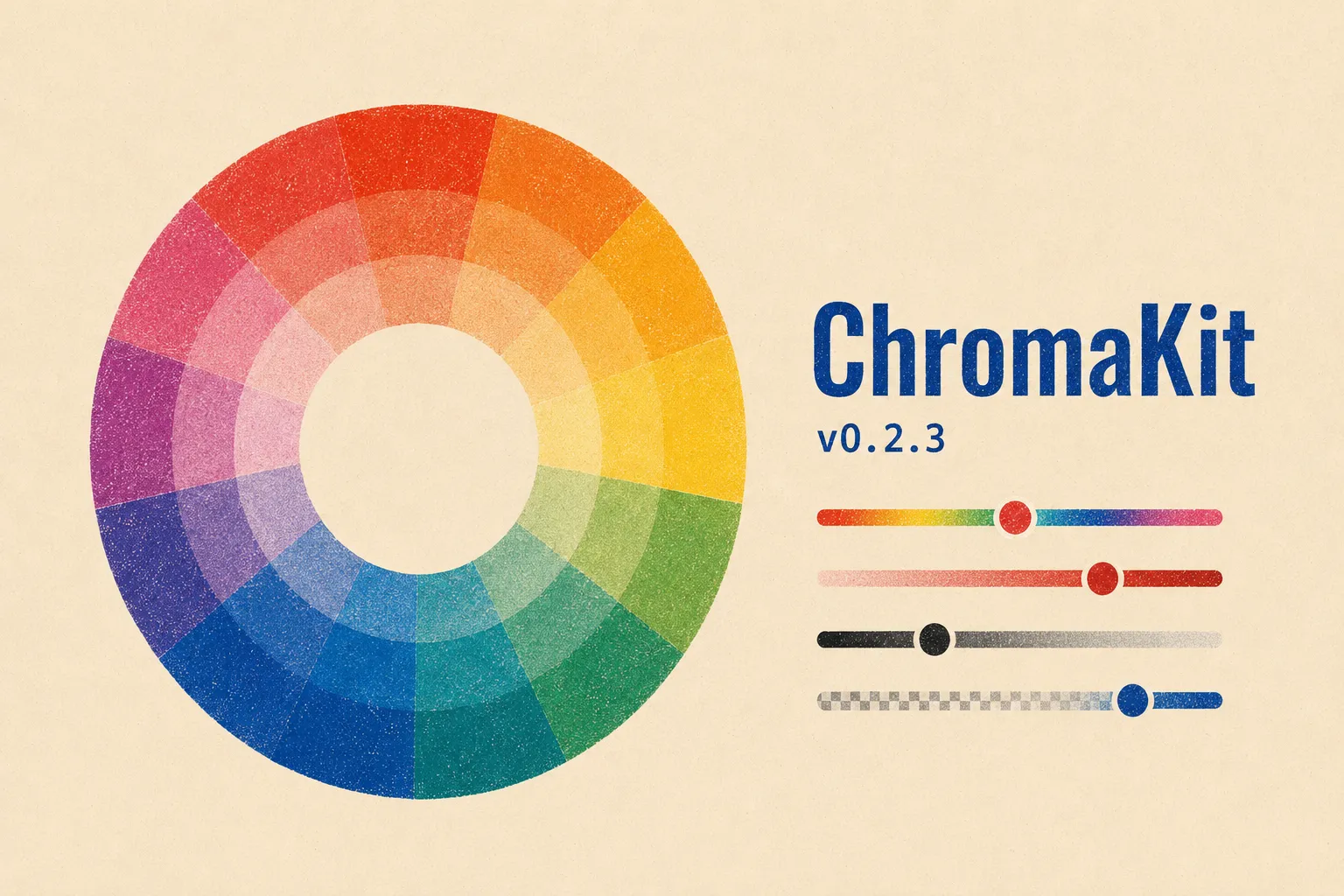
A maintenance-and-polish release. The fixes that matter: drag callbacks now return the final color, recent colors update live, a pointer-listener leak is gone, number inputs no longer fight you mid-typing, and the color area has better keyboard support.
The package is also about half the size, still with zero runtime dependencies. I dropped a couple of non-functional theme props, tightened the types, split the internals into smaller modules, and refreshed the demo’s branding.
The bigger change is the docs. I replaced the ~1000-line README and single-page React demo with a proper Astro docs site.
The design process, with AI
A good watch on how the design process is shifting as AI works its way into it.
Pairs well with Stop Designing, Start Engineering - one of the better pieces I’ve read on wiring Claude Code into a real UI workflow.
Claude Code power-user workflows
Nate Herk’s Claude Code power-user video had a handful of good ideas - a few things I probably should have known but didn’t.
His follow-up, How I Make Opus Think Like Fable, is worth it too: matching tasks to models and picking a model based on what it’s actually good at.
Loops and model routing
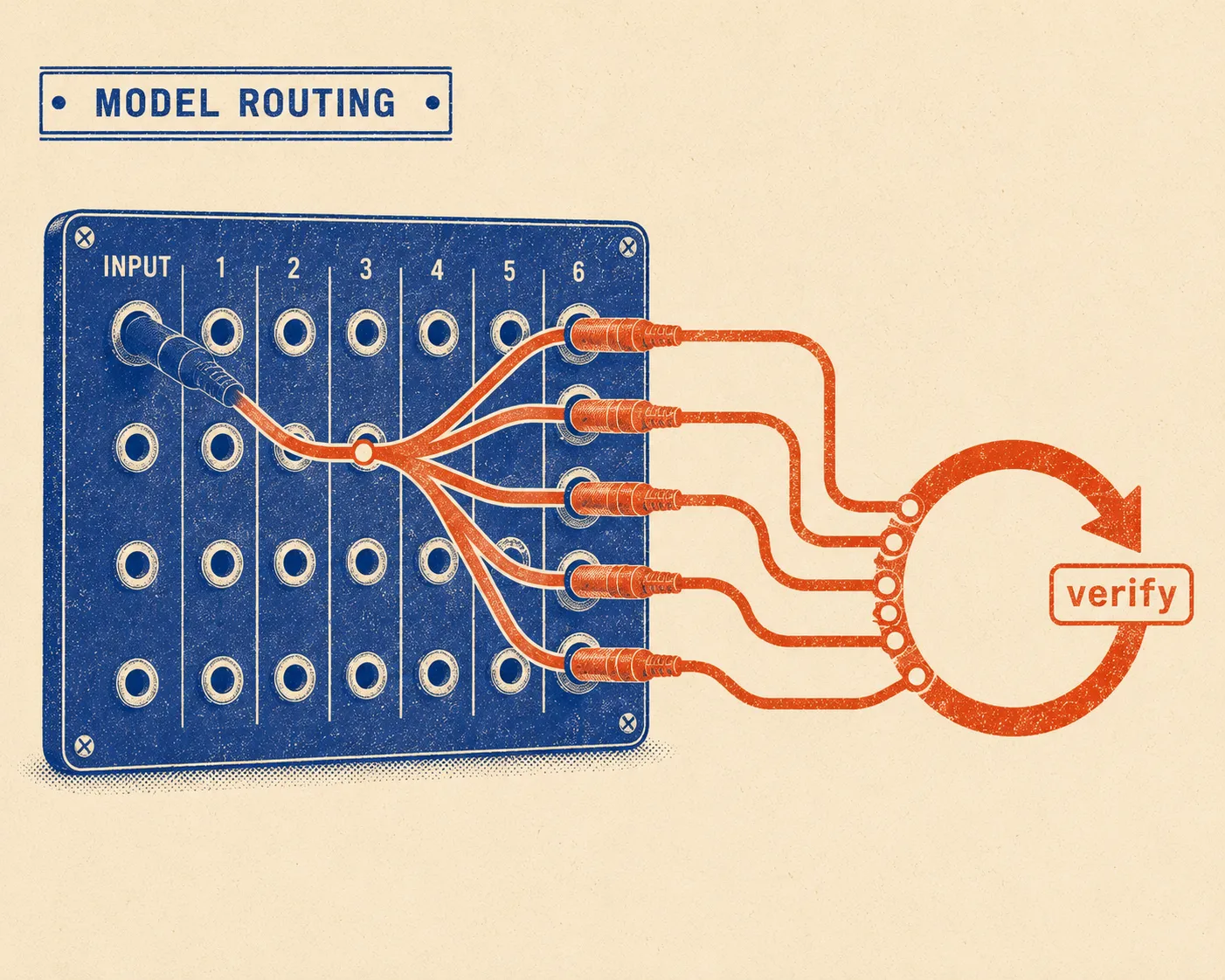
I’m still chasing loops that handle planning, implementation, verification, and recovery without collapsing into a pile of agents checking other agents. Addy Osmani’s piece on loop engineering is the clearest framing I’ve found so far.
I also looked into whether model routing deserves to be its own standalone tool. The space is already crowded - these all cover part of the problem:
- Model Matchmaker
- Claude Model Router Hook
- Gearbox
- llm-router
- Claude Code Router
- OpenRouter Auto
- RouteLLM
And Copilot and Cursor are absorbing auto-selection into their own products. That settled it: instead of launching another router, I folded the useful parts into CodePass 1.4.0.
ESPN Web Component modules

Built an end-to-end workflow for embeddable, framework-agnostic modules in ESPN editorial stories.
The front half is a no-code authoring playground: editors pick a chart module, then configure its content, styling, motion, and data. A responsive preview shows the result, and the export panel spits out a self-hydrating custom-element snippet. Author in the playground, export the embed, then confirm it renders and animates correctly inside the story.
PromptKit 0.3.1
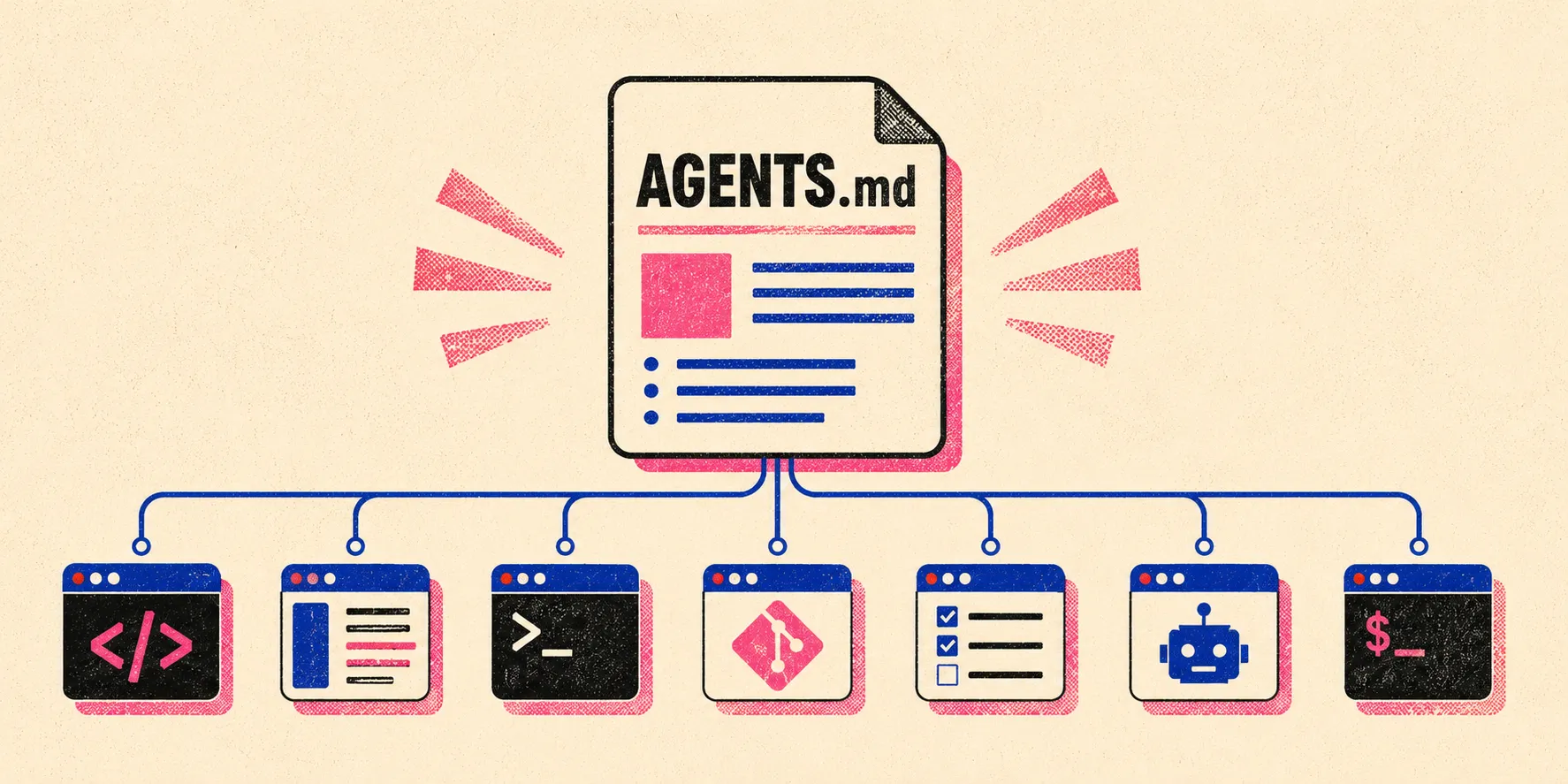
Shipped a big update to PromptKit this week. The headline is a new Universal (AGENTS.md) export - a single root AGENTS.md that 28+ tools now read natively - and the whole landing page and metadata got reframed around it: one file everything reads, plus tool-specific enrichments where they actually add value.
The most important technical fix killed a silent-degradation bug: when an AI provider call failed, PromptKit used to fall back to local heuristic classification with zero signal. It now logs the failure and surfaces a clear note in the UI, CLI, and a response header. Also refreshed the model catalog to current IDs and rewrote the classification prompt so skills and commands get meaningful names instead of workflow-1 slugs.
Published to npm as promptkit-install-cli 0.3.1.
Bookmarked this week
- Paula Scher - a great watch on her history and work as a designer.
- Emil Kowalski’s animation skills - installable skills for reviewing and improving site animations. Testing these out this week.
Top 5 GitHub projects I found this week
- herdr
- Strix - ran it against PromptKit and it found 2 vulnerabilities, both now patched.
- OmniRoute - similar to CodePass, but complementary.
- Orca - looks very interesting and I want to try it, but I’ve found it confusing so far and there’s no good video docs. Promising if I can figure it out.
- page-agent - interesting on paper, not for me personally. There have to be other tools in this space.